Porosity Modeling#
This framework models porosity in L-PBF metal parts, simulating lack-of-fusion, keyhole, and gas porosity mechanisms. It integrates experimental X-µCT data for realistic pore distributions and offers both CLI and GUI interfaces. Designed for researchers and engineers, the modular system allows swapping between data-driven and physics-based models to study process parameters and pore formation.
Go to IMQCAM.org
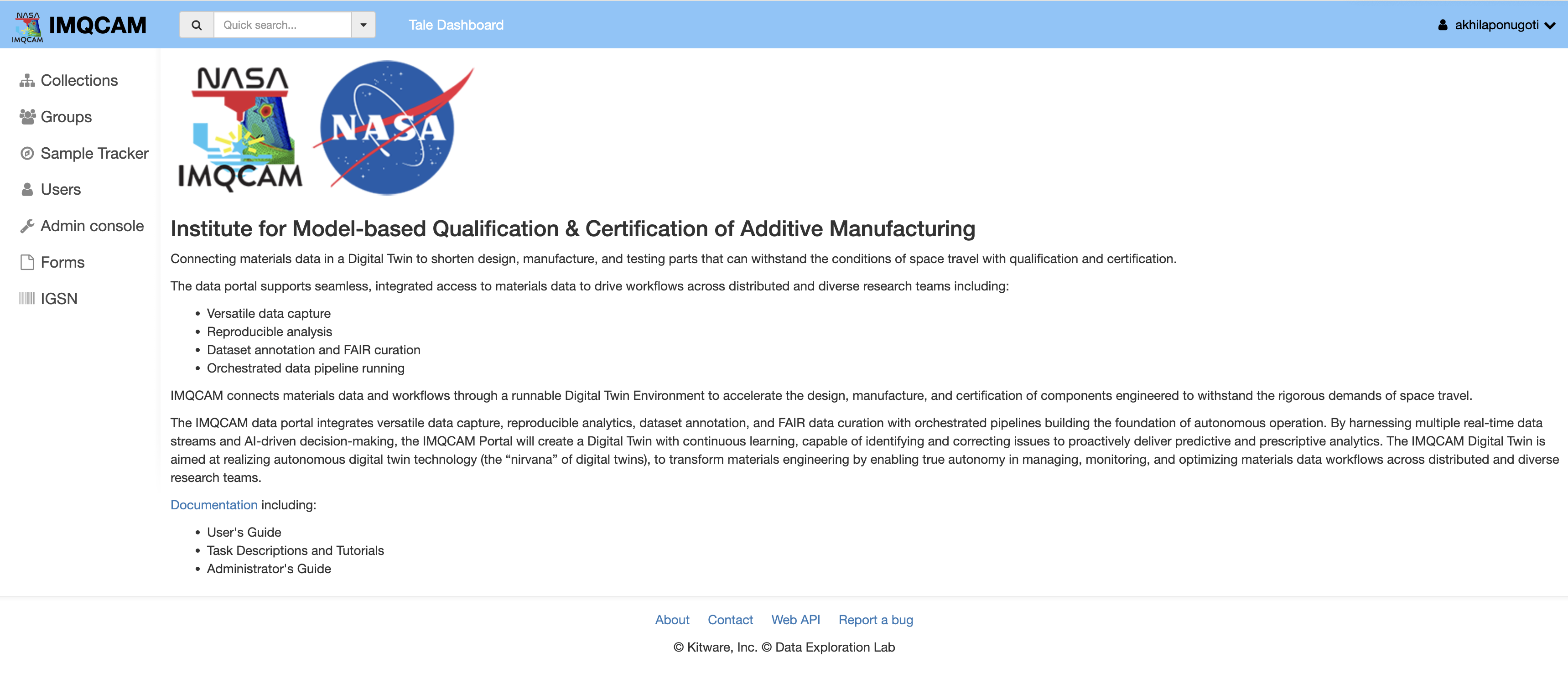
If you are new to portal click here to follow the registration process: https://docs.imqcam.org/docs/users_guide/sign_in.html
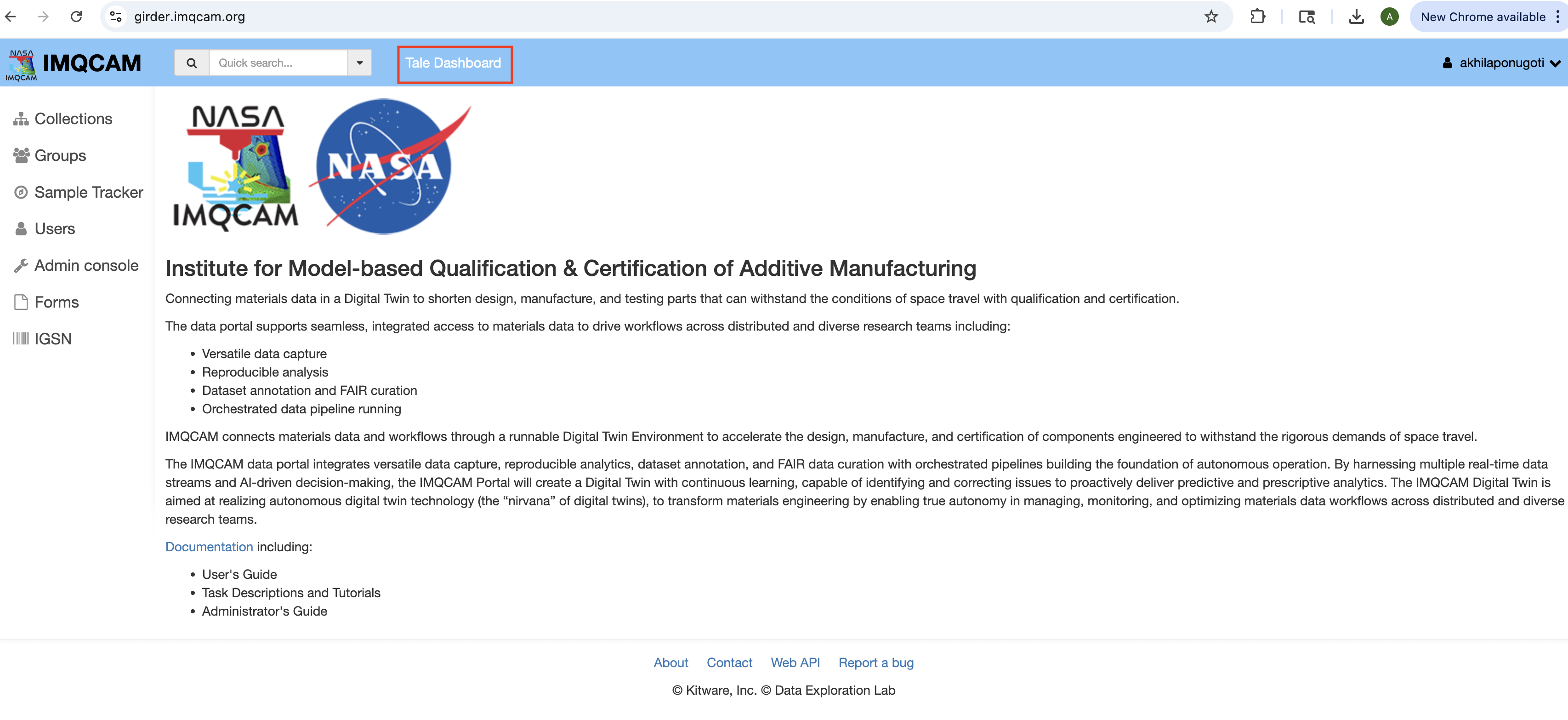
Accessing Tale Dashboard#
Go to tale dashboard
Finding the Porosity Model#
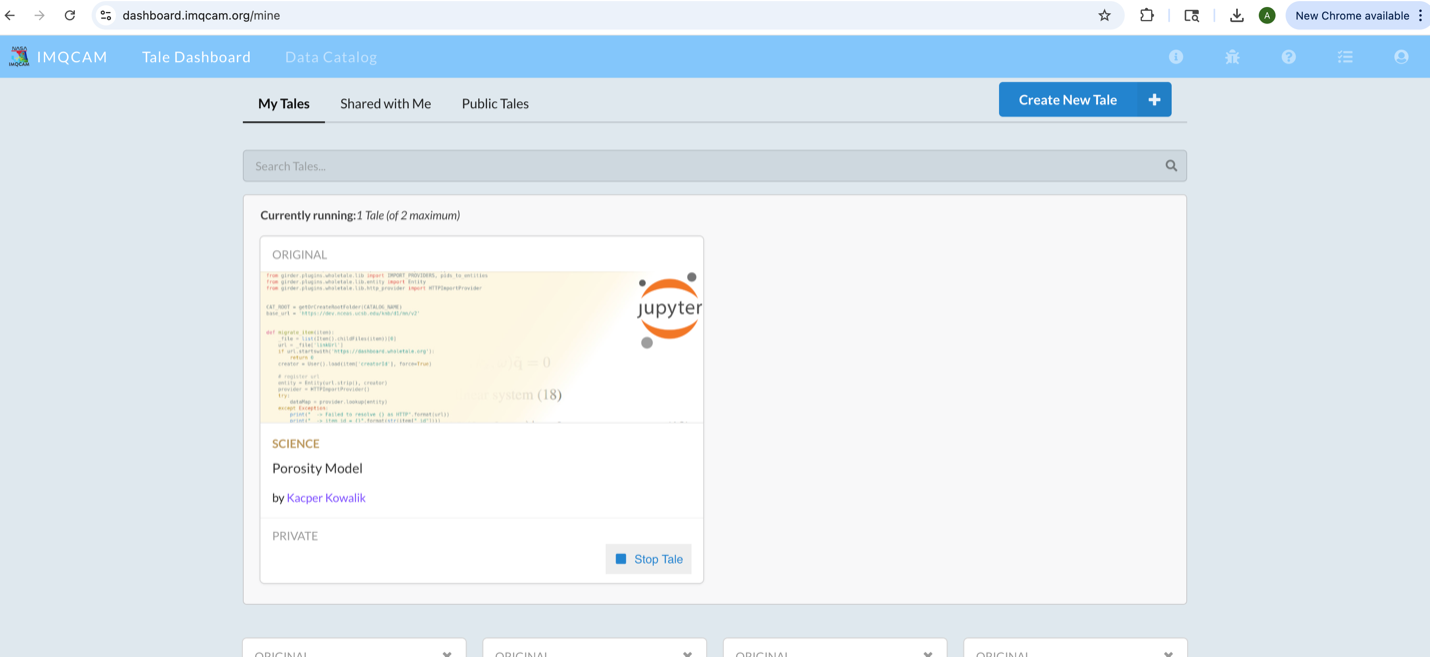
Once you open this click on Share with me and look for the tale named “Porosity Model” by Kacper Kowalik.
Important: To access this tale in “Share with me,” you need to request access from the author first.
Running the Tale#
Click on that you will see a window like this:
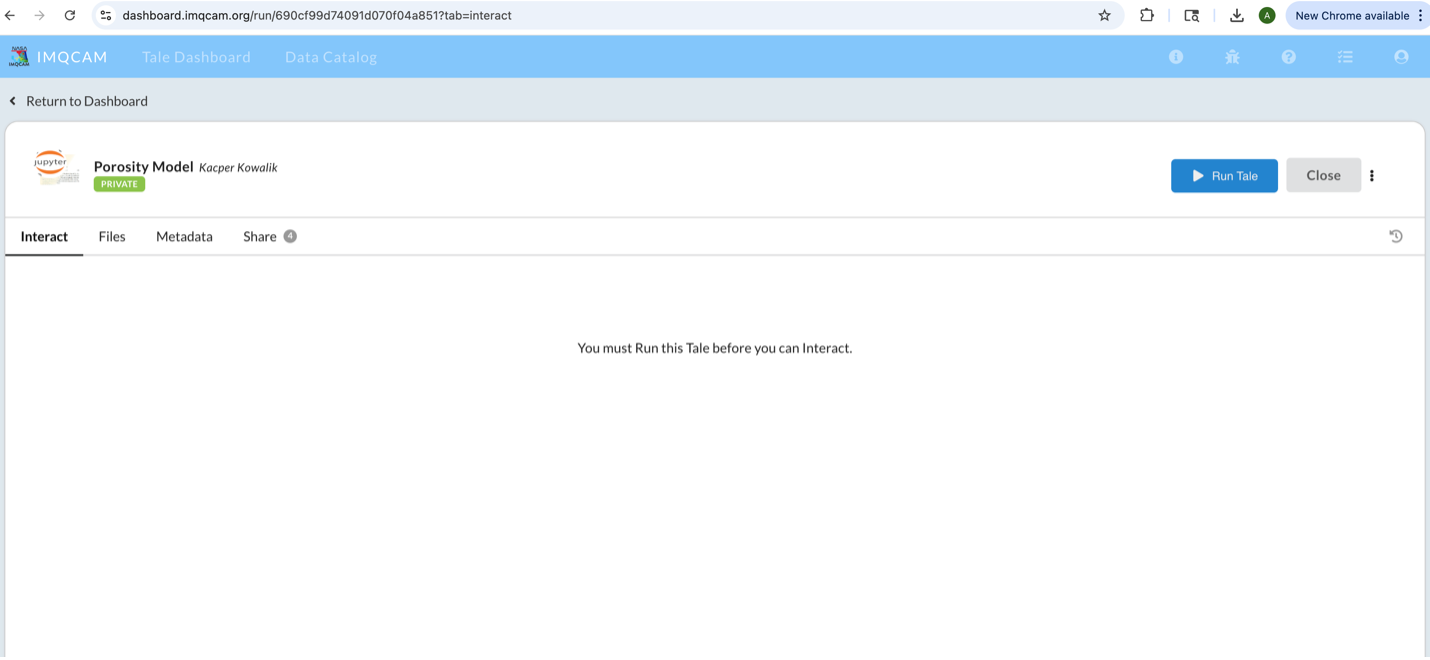
Click on Run tale
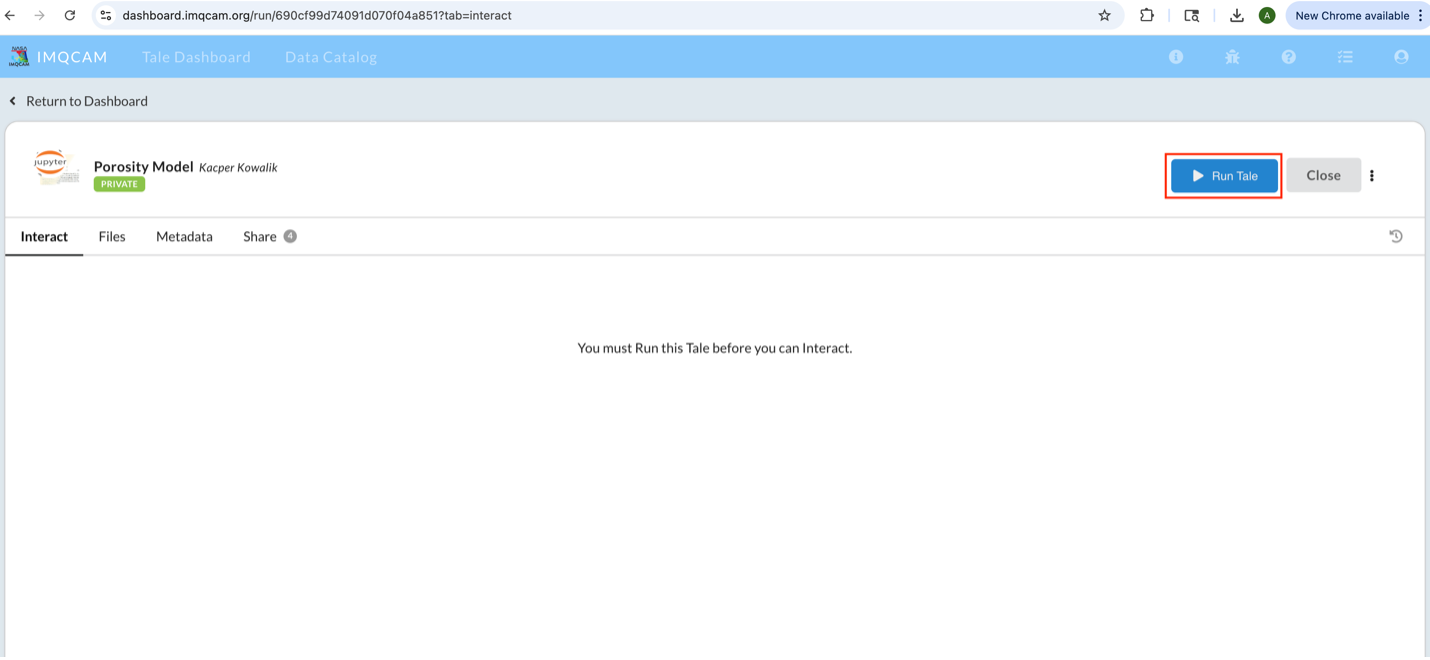
Note: This will take some time to start the tale (approximately 3-5 minutes). If it’s taking too long, just refresh the webpage.
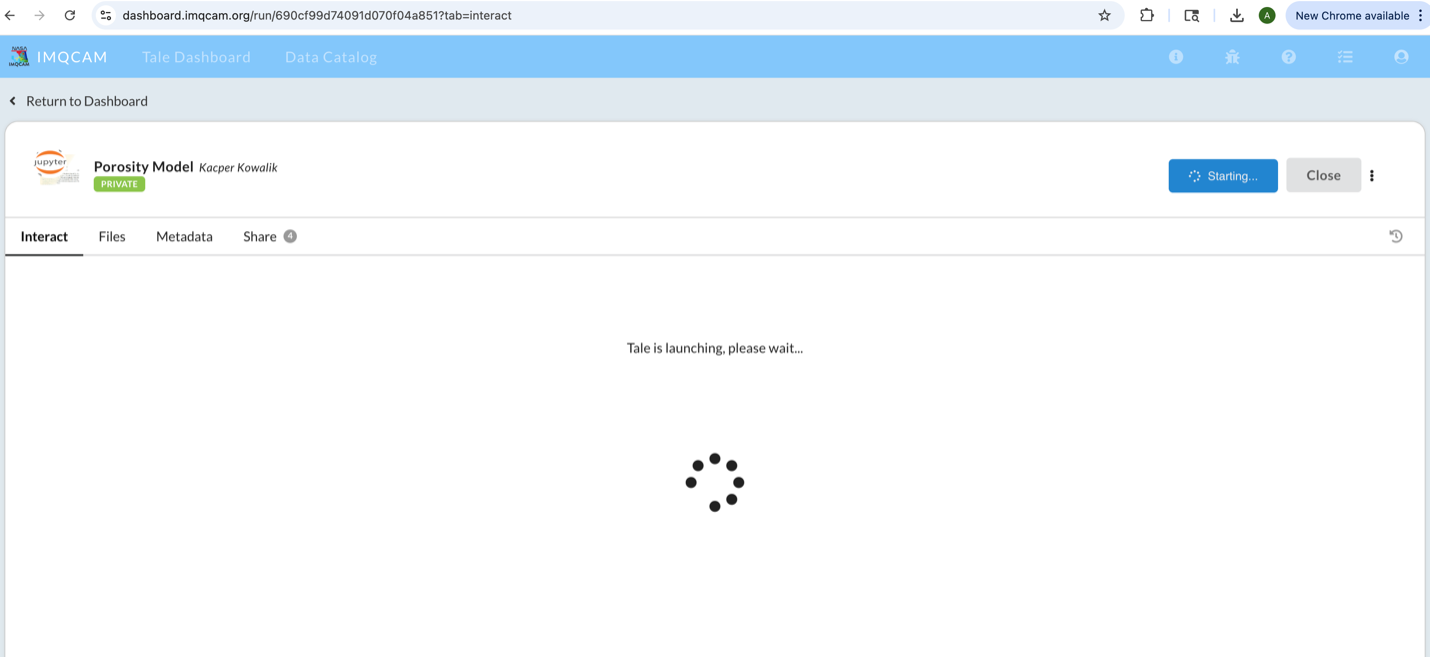
Using the GUI#
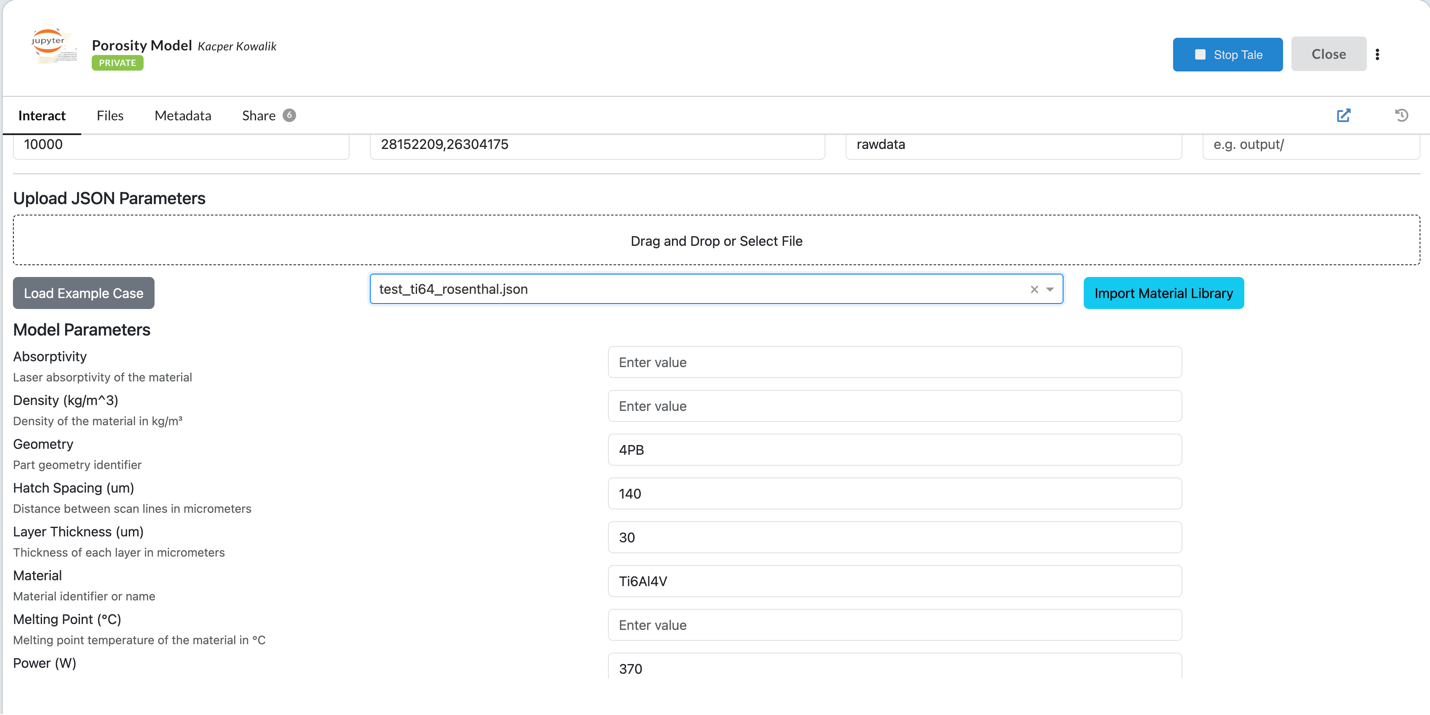
Once the tale starts you will be able to see the GUI.
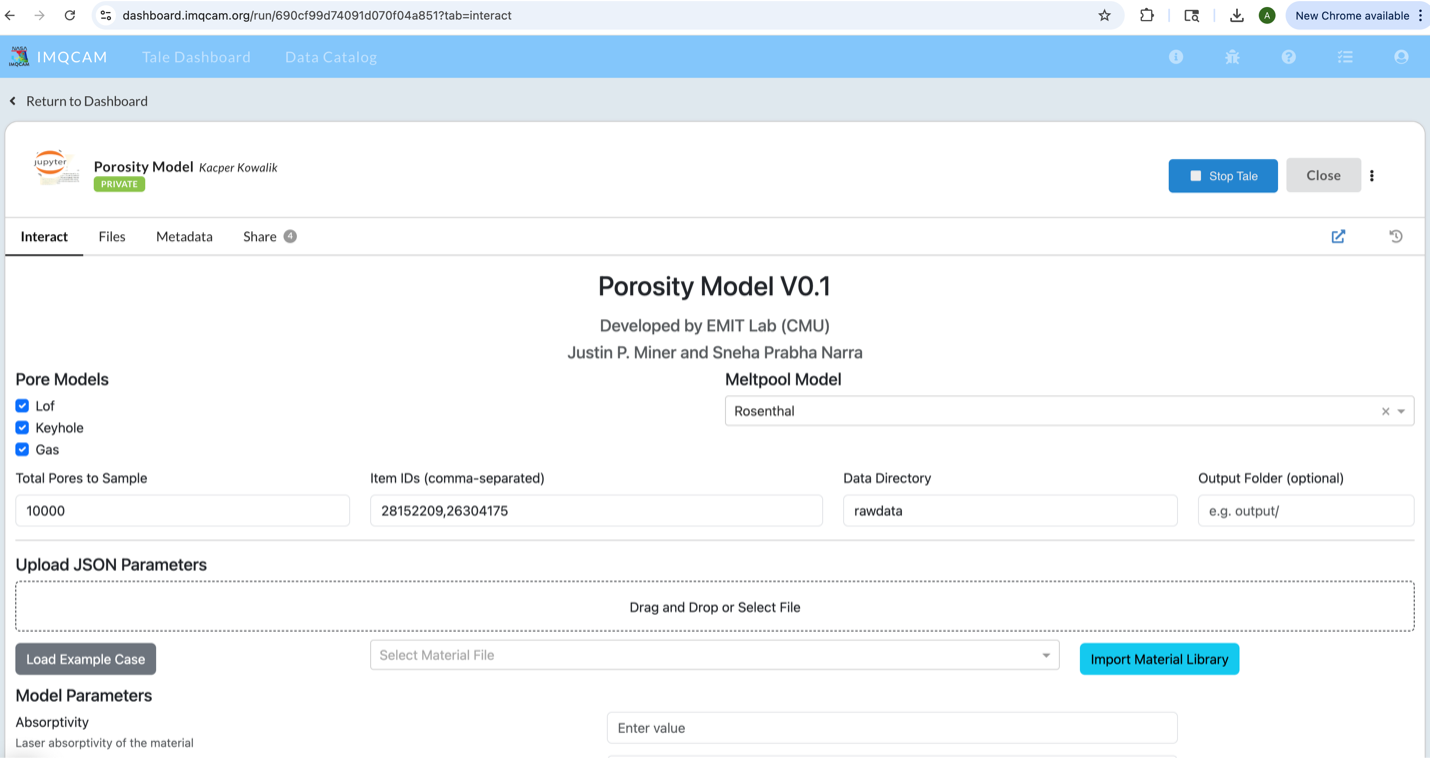
The user can now use and run the GUI by passing the local files and parameters.
You can use example data by:
Clicking on Load Example Case
Using the drop down for Import Material Library
Running the Model#
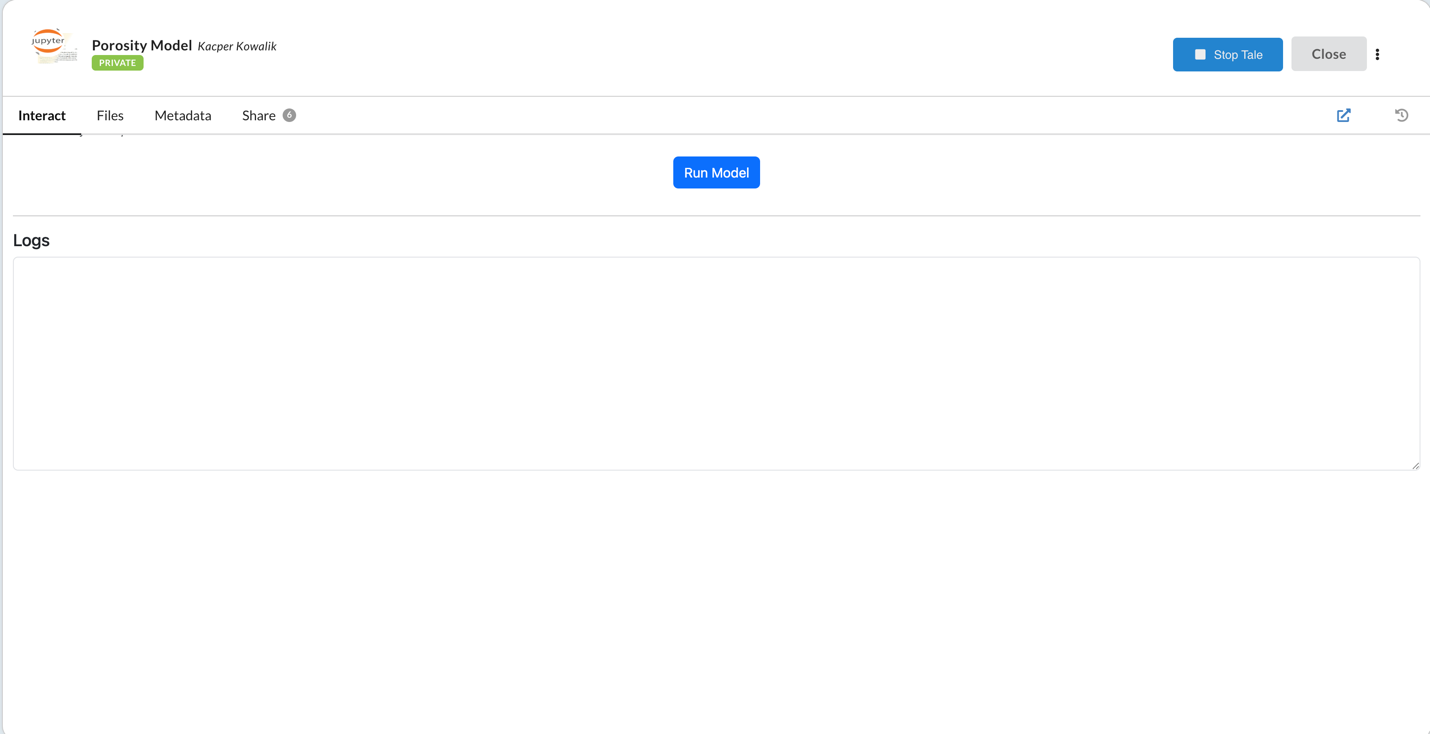
After giving all the parameters you can now click on Run Model
Viewing Results#
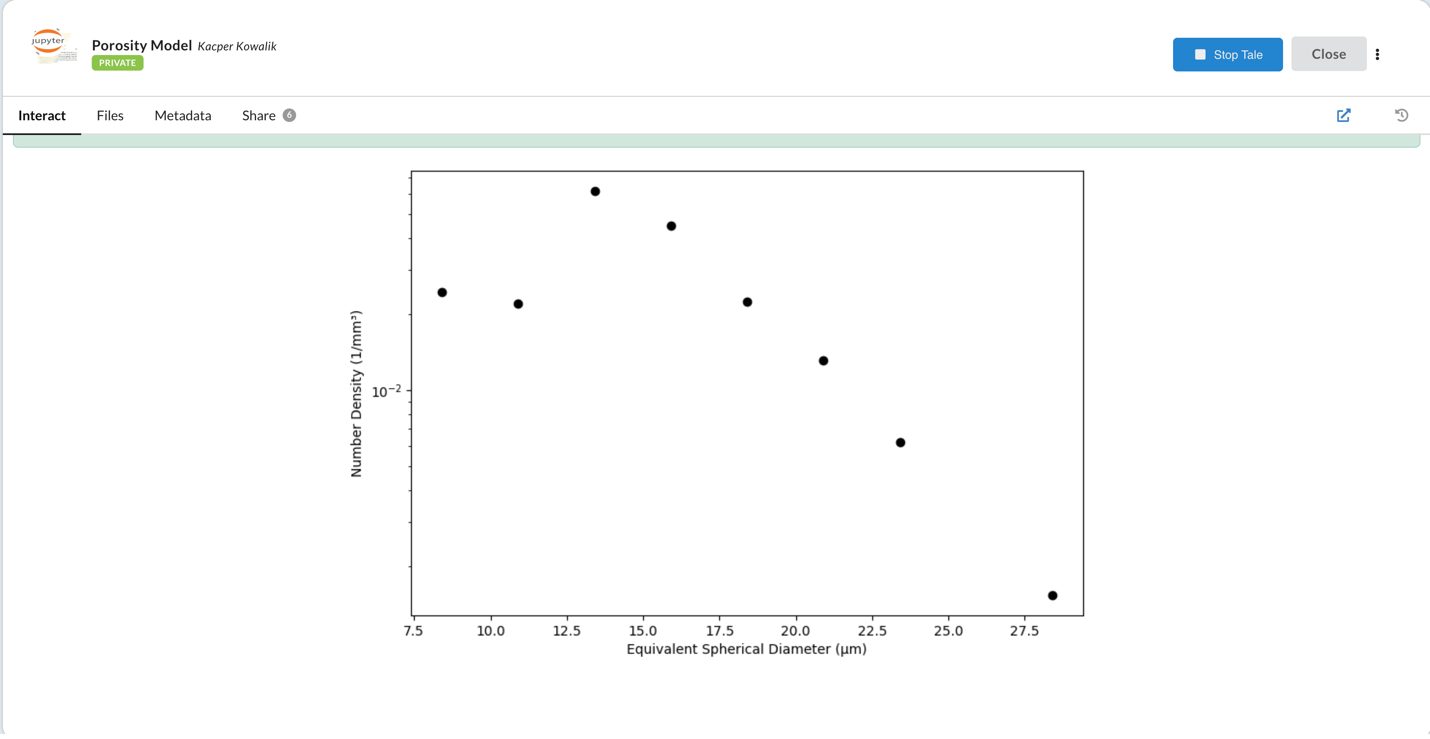
It will run and show the plot like below:
Accessing Output Files#
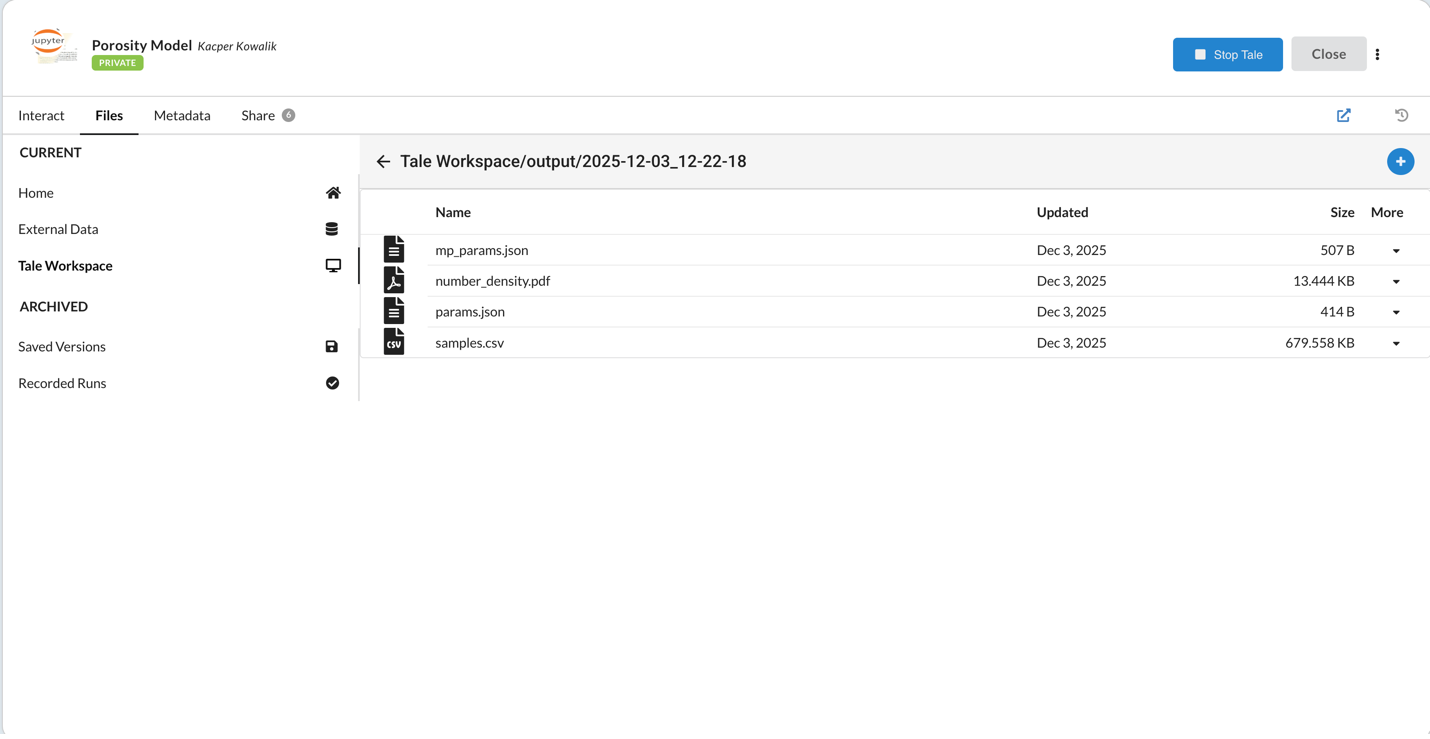
You can find the results in Files tab → Tale Workspace in the output folder. It will save the output for every run.
Uploading Your Own Data#
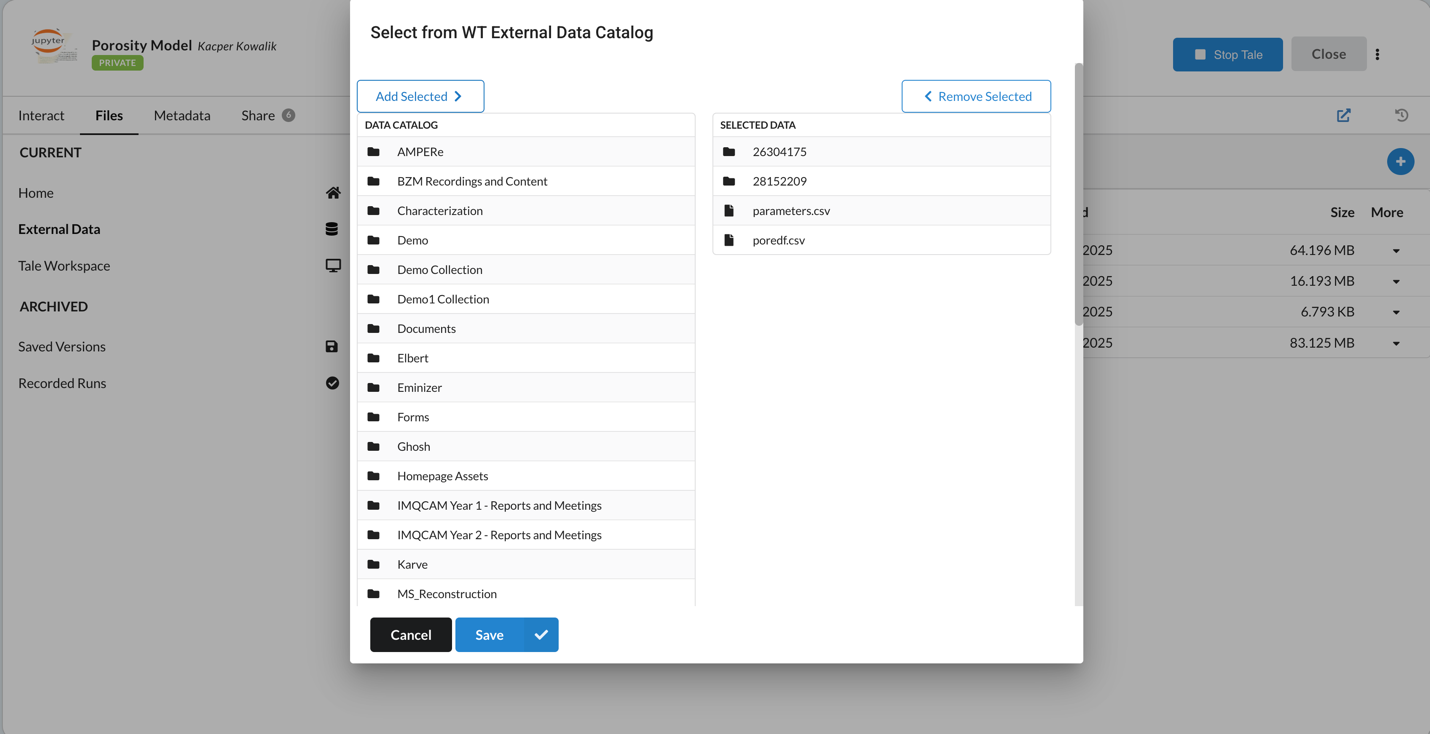
If you want to upload your own data for the run, go to: Files tab → External data and upload from the IMQCAM portal.